

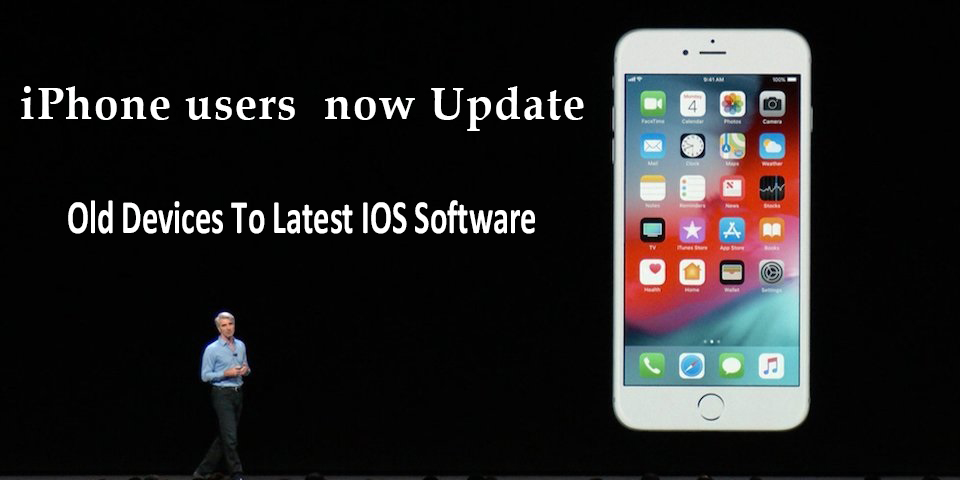
iPhone users have been urged to update their phones so they are still able to know where they are
The company has told users of some iPhone and iPad models introduced in 2012 or earlier to update the software on their devices before the beginning of November to ensure they can continue to use GPS accurately.
It’s important to keep your iPhone and iPad’s software up to date—even if the old devices you still use aren’t going to be eligible for the upcoming iOS/iPadOS 13. In fact, sometimes it’s the older phones and tablets in Apple’s hardware line that see the most critical updates.
The reset can prevent some devices from accurately pinpointing a user’s location, and some other features which rely on the correct date and time, such as email, could also be affected.
apple latest news,
“Starting November 3 2019, some iPhone and iPad models introduced in 2012 and earlier will require an iOS update to maintain accurate GPS location and keep the correct date and time,” the company said in a post to the support page of its website.
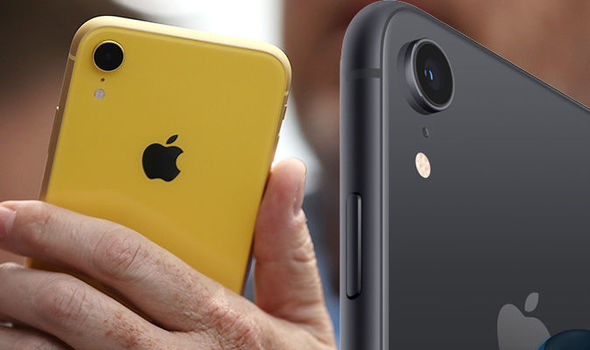
The specific iOS devices that need to be updated are:
- iPhone 4s
- iPhone 5
- Third and fourth-generation iPad
- iPad 2
- First-generation iPad Mini
“This is due to the GPS time rollover issue that began affecting GPS-enabled products from other manufacturers on April 6 2019. Affected Apple devices are not impacted until November 3 2019
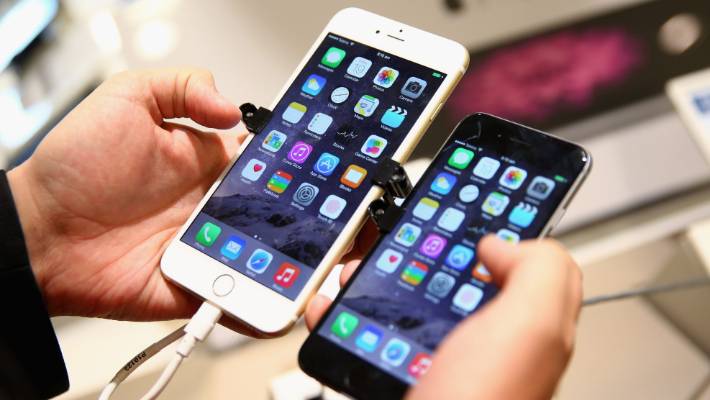
iPhone users now Update Old Devices To Latest IOS Software,
“If you don’t update to the newest version of iOS available for your device before November 3 2019, some models might not be able to maintain an accurate GPS position. And functions that rely on the correct date and time – such as syncing with iCloud and fetching email – might not work.
“The updated software version number should be 10.3.4 or 9.3.6, depending on your device.”
If you have an iPhone 5 or a fourth-generation iPad, you’ll need to make sure your device is updated to iOS 10.3.4. Owners of all other devices on that list should update their devices to iOS 9.3.6. You can check your device’s iOS version by going to Settings > General > About. The iOS version number will be displayed next to “Software Version.”
For More Latest News Visit – http://www.allupdatesnow.com
 indianpocket.tech.blog